
Green Dot = Recently Active
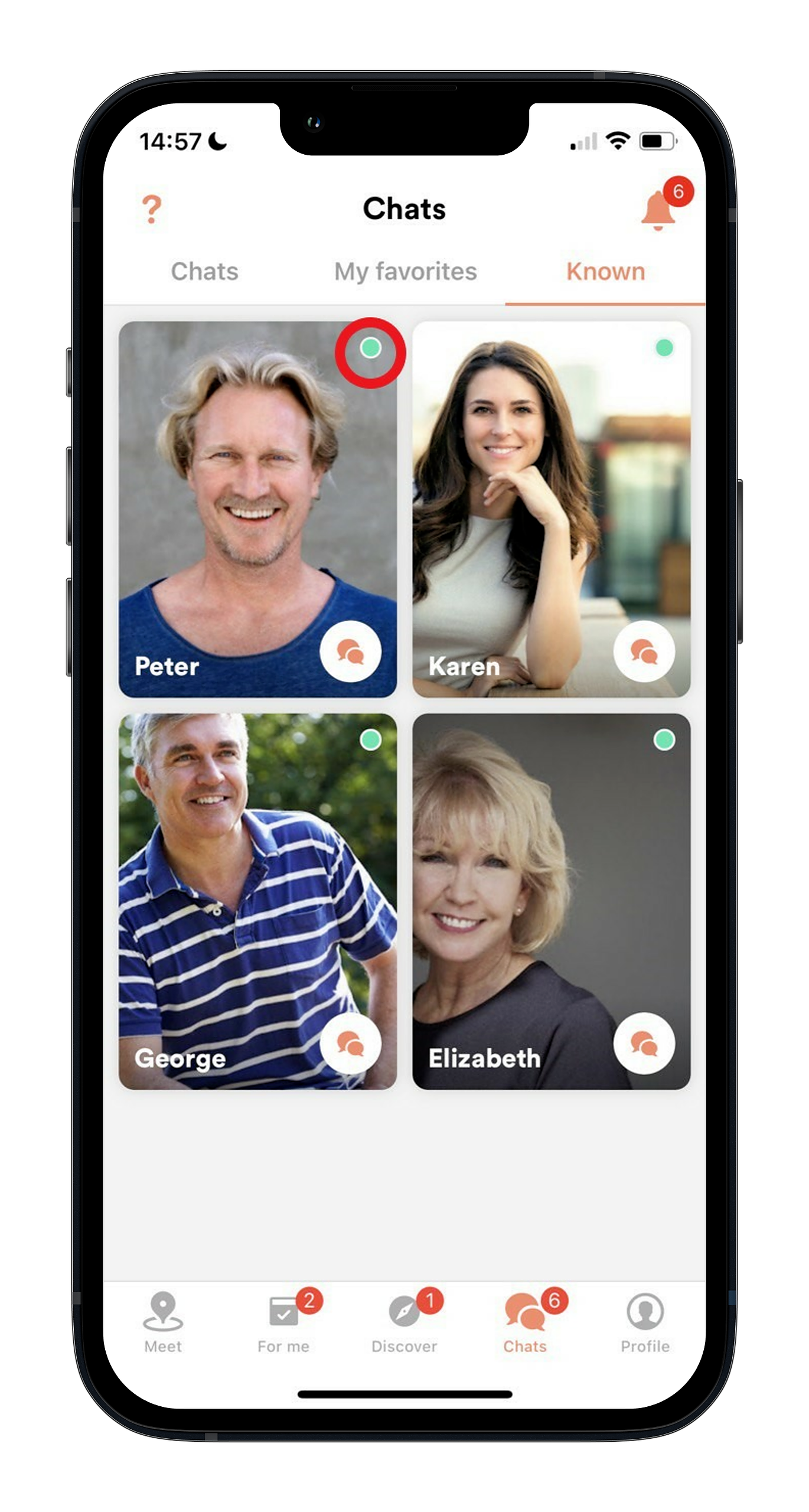
The green dot on the top right of a member's profile photo shows that they’ve been active on Meet5 in the past 24 hours. It’s a quick way to see who's currently engaged on the app.

What are you looking for?
Get help straight from our team...
Tech Support & App Functions
Last updated on 04 Nov, 2025
Green Dot = Recently Active
The green dot on the top right of a member's profile photo shows that they’ve been active on Meet5 in the past 24 hours. It’s a quick way to see who's currently engaged on the app.
Related Articles