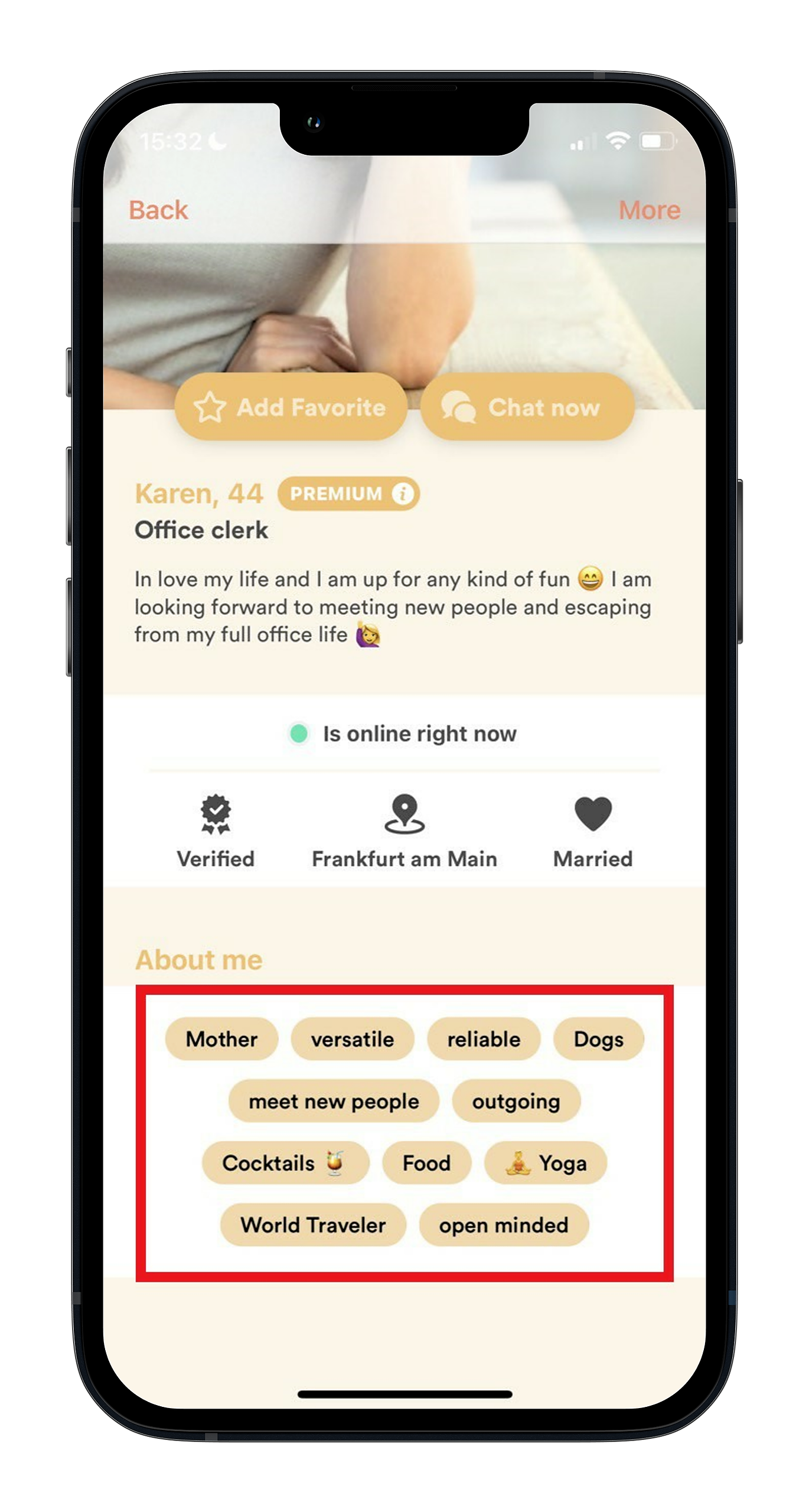

Tags are a great way to showcase your personality and help others quickly understand what you're into. They also make it easier to find the right people and activities, so the more accurate your tags are, the better your Meet5 experience tends to be.
You can choose up to 20 tags by picking from existing options or creating your own. A few tips:
Be specific when you can (e.g., “hiking” vs. “outdoors,” “board games” vs. “games”).
Mix different types of interests (social activities, sports, food & drink, culture, etc.) to give a well-rounded picture.
Add tags that reflect what you'd actually like to do in the near future. This helps you find more relevant connections
How to edit your tags
Open Profile (bottom right).
Tap Edit my profile information.
Open Interests & characteristics / Tags.
Choose from suggested tags, or tap the magnifying glass (top right) to search for specific ones.
Tap a tag to select/deselect it (selected tags are highlighted).
Remember: you can select a maximum of 20 tags.
Don’t forget to Save so your changes apply to your profile.
Find people with similar interests
Tags are also searchable: in the Members tab, use Search to look up a tag and find people who share the same interests. This is a handy way to discover “your kind of people” and start connecting over something you already have in common.