

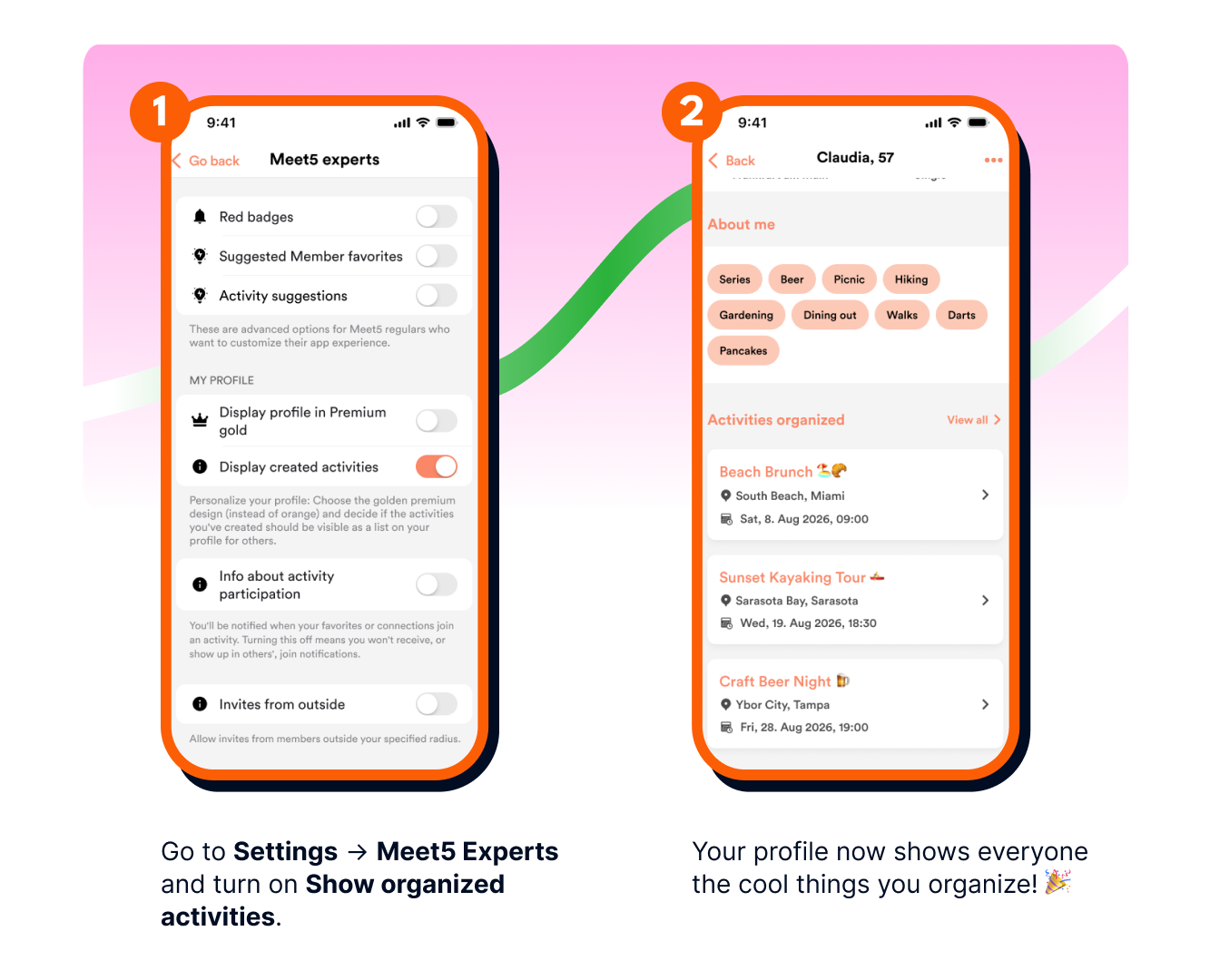
If you plan activities on Meet5, you can display them on your profile so other members can see what you have coming up. This is handy for your favorites and new profile visitors, or when one of your activities is full and someone’s looking for alternatives.
Important: Only activities you created are shown. Activities you're "just" attending as a participant will not be shown on your profile and remains private.
It’s up to you whether to share your activities on your profile or not. To activate this feature, go to your Meet5 expert settings and select the toggle to turn on displaying your upcoming, created activities.